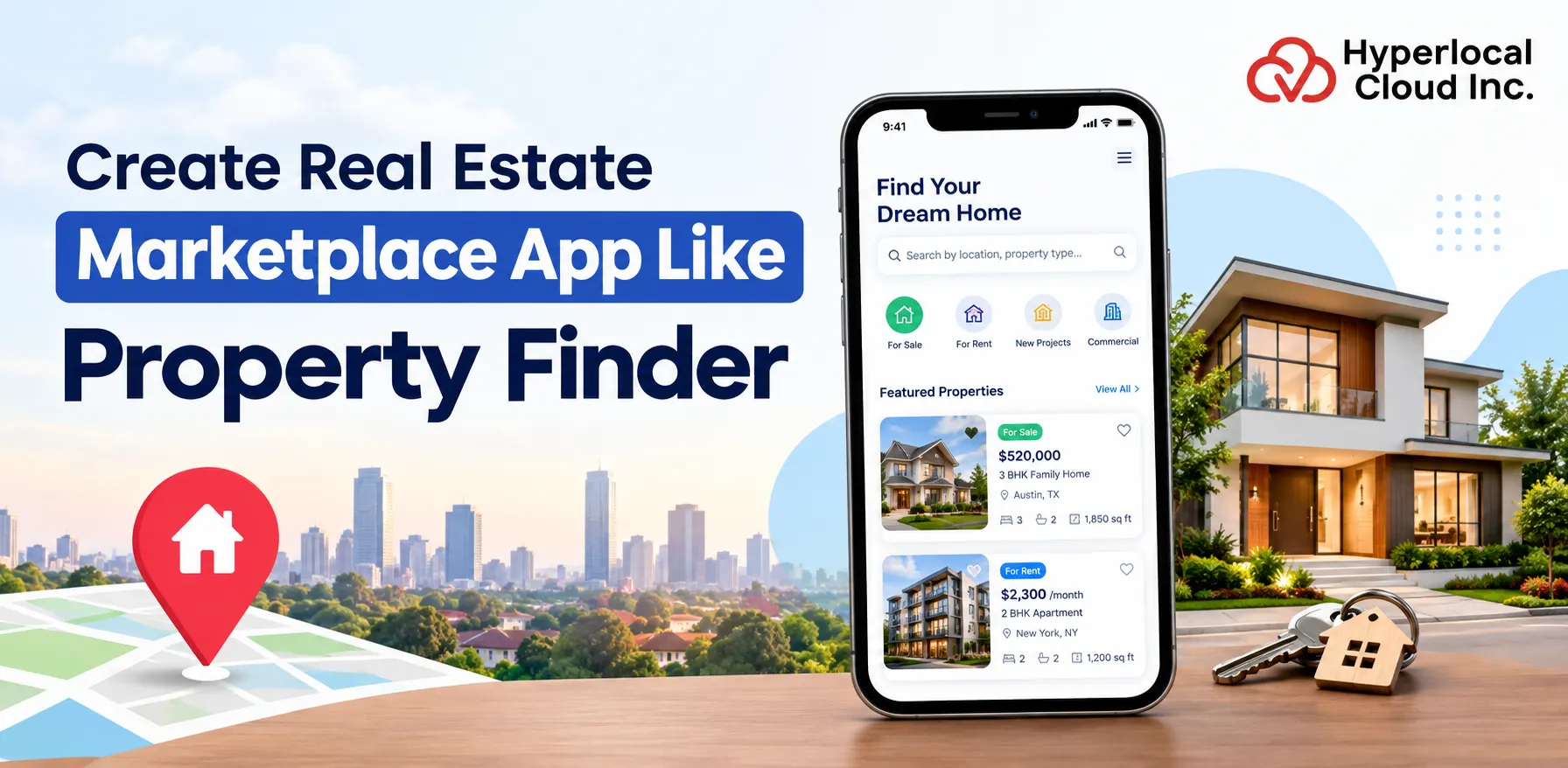
- Property Finder Clone helps launch a branded real estate marketplace for buyers, sellers, renters, landlords, and agents.
- Core features include property listings, advanced search, filters, interactive maps, saved properties, virtual tours, inquiries, and appointment booking.
- AI capabilities can add personalized property recommendations, chatbots, price prediction, and smart alerts.
- Multiple revenue streams include subscriptions, featured listings, advertising, transaction fees, and lead-generation charges.
- White-label solutions can help businesses launch faster with lower initial development effort.
- Development cost: Mobile app $6K–$7K, complete solution $8K–$10K, depending on features, customization, technology, and integrations.
- The platform can be scaled from a single-city property marketplace to a multi-location or international real estate platform.
Launch your real estate marketplace with a white‑label Property Finder Clone App that makes property discovery simple and connects buyers, renters, owners, and agents.
A ready‑made real estate app solution lets you start your branded property listing portal or marketplace without having to build every feature from scratch. You can tailor features, like property listings, advanced search filters, interactive maps, agent management, subscription plans, and administrative controls, to fit your business needs.
This guide shows how a Property Finder‑style platform works, what features it has, the business benefits it offers, the revenue opportunities it creates, and the key points to think about when picking a real estate app development company.
What Is a Property Finder Clone App?
The Property Finder clone app is a real estate marketplace app inspired by Property Finder. It connects property buyers, sellers, tenants, landlords, and real estate agents on one platform. Users can search, browse, buy, sell, or rent homes and commercial spaces using filters, interactive maps, and detailed property listings. The Property Finder clone app usually has features like user registration, property management, image galleries, saved searches, and direct communication with agents. Businesses can build a Property Finder clone to create their real estate marketplace, make property transactions easier, improve user experience, and earn money from subscriptions, advertisements, and premium property listings.
Why Build a Real Estate Marketplace App?
The need for real estate marketplace apps is increasing as buyers, sellers, tenants, and property agents depend more on tools to find and list homes. With the popularity of phones, online home searches, and digital services, companies have a chance to make it easier to find properties and create ways to make money.
Key Benefits of Building a Real Estate Marketplace App
1. High ROI Potential
A real estate marketplace app can make money through property listing fees, paid ads, subscriptions, and lead generation. With the business model and enough people using the app, these ways of making money can help companies become profitable over time.
2. Recurring Revenue Models
Real estate marketplace apps can offer membership plans to real estate agents, brokers, and developers. Companies can also make money again and again through highlighted listings, ad packages, and paid accounts.
3. Scalable Business Model
A real estate marketplace can begin in one city. Focus on one type of property and then grow into other areas and markets. Adding features like property listings, rental management, virtual tours, and data about properties can help the business grow.
4. Audience Reach
A digital property marketplace helps companies connect with buyers, sellers, tenants, landlords, and agents from different places. Unlike traditional real estate agencies, an online platform can show property listings to a much bigger group of people, making it easier for users to find the right home.
Launch a Real Estate Marketplace That Grows with You!
How Does a Property Finder App Work?
A property finder app connects buyers, sellers, tenants, landlords, and real estate agents through a digital platform. It lets users search for properties, explore listings, reach out to property owners, and schedule visits without relying on traditional property agents.
Understanding this workflow helps businesses plan their property portal development, identify features, and create a user-friendly real estate marketplace.
Step‑by‑Step Working Model of a Property Finder App
1. User Registration and Login
The process begins when users create an account using their email address, phone number, or social media login. The app offers account options for buyers, sellers, tenants, landlords, and real estate agents, allowing each user to access relevant features.
2. Property Listing and Upload
Property owners, agents, and developers can upload their properties by providing information, such as property name, price, location, size, number of bedrooms, amenities, and property type. They can also add high‑quality images, videos, and property descriptions to attract buyers or tenants.
3. Property Search and Filters
Users can search for properties based on their requirements. Advanced search filters help them find properties without browsing through irrelevant listings.
Common search filters include:
- Location, city, or neighborhood
- Maximum budget
- Property type, such as apartments, houses, or commercial spaces
- Number of bedrooms and bathrooms
- Property size and available amenities
Map‑based search can also help users explore properties in their preferred locations.
4. Property Viewing and Exploration
Once users find a listing, they can explore its details through property images, videos, floor plans, and virtual tours. A detailed property page provides information about pricing, location, nearby facilities, and available amenities.
These features help users evaluate properties before deciding whether to contact the owner or schedule a visit.
5. Contact and Inquiry Management
When users are interested in a property, they can contact the seller or agent through in‑app chat, phone calls, or inquiry forms. The platform can notify property owners about inquiries and help agents manage potential customers.
This feature simplifies. Improves the chances of converting property searches into genuine leads.
6. Property Visit Booking and Transactions
Users can schedule property visits directly through the app by selecting a date and time. Property owners or agents can confirm, reschedule, or manage appointments.
Depending on the business model and local regulations, the platform may also support booking deposits, rental payments, or secure payment processing. For property purchases, the app can facilitate document sharing. Connect users with relevant professionals, while the actual sale may be completed outside the platform.
7. Admin Management and Platform Control
The admin panel allows the marketplace owner to manage the platform from a centralized dashboard. Administrators can verify property listings, manage user accounts, monitor inquiries, oversee payments, and review platform performance.
They can also remove listings, manage subscription plans, and analyze user activity to improve the marketplace.
Types of Real Estate Apps You Can Build
When you think about building a real estate app, you can pick from different models. The choice depends on who you want to serve, what you hope to achieve, and how you plan to make money.
Here are five popular types of real estate apps you can build.
1. Property Listing Apps
A property listing app lets people look at homes and offices that are for sale or rent. The app shows details about each property, pictures, price, and location. It also gives filters for size, price range, and other preferences so that people can find the property faster.
You can earn money by charging for premium listings, selling subscriptions to agents, and showing featured ads.
2. Rental Marketplace Apps
A rental marketplace app connects tenants with landlords and property managers. It allows short‑term and long‑term searches. Tenants can compare homes, see if a unit is available, and talk to the owner through the app.
Key features are listings, lease management, booking requests, payment integration, and tenant verification.
Revenue comes from booking commissions, rental management fees, and subscription plans for landlords.
3. Real Estate Investment Apps
A real estate investment app helps people find investment opportunities, check how a property will perform, and keep track of their real estate holdings. If the platform allows, users can buy a share of a property. Invest in real estate products.
Important features include property valuation, ROI calculators, investment tracking, financial reports, and portfolio management.
Revenue opportunities are subscription plans, premium analytics, and legal investment fees.
4. Agent Marketplace Apps
An agent marketplace app connects buyers, sellers, and renters with real estate professionals. Users can find agents, read their profiles, compare skills, and ask for help with buying, selling, or renting.
Key features are verified agent profiles, ratings and reviews, lead management, in‑app messaging, and appointment scheduling.
Monetization comes from agent subscriptions, lead generation fees, and paid profile promotions.
5. Real Estate Platforms
A hybrid real estate platform mixes many services into one app. It can hold property listings, rental markets, agent discovery, investment tools, and property management in one place.
For example, a hybrid platform can let you search for homes, call agents, book visits, manage rentals, and watch your investments from an account.
This model offers ways to earn money and reach more users, but it also needs more complex development, many integrations, and continuous platform maintenance.
Which model should you choose?
For a company, a property listing or rental marketplace app is a good start because it focuses on one audience and simple features. If you have resources and a solid user base, you can grow toward a hybrid platform that offers many real estate services.
Build a Feature-Rich Property Listing Platform!
Must-Have Features of a Property Finder Clone App
To build a competitive property finder clone app, businesses need to focus on features that simplify property discovery, improve communication, and support marketplace management. A well-designed real estate application should provide dedicated features for buyers, sellers, tenants, agents, and administrators.
The following features can help create a user-scalable property search platform.
1. User Panel Features
The user panel allows buyers and tenants to discover properties, compare options, and connect with property owners or agents.
Easy Registration and Login
Enable users to sign up using email, phone number, or social login. A simple onboarding process helps users access property searches and personalized features quickly.
Advanced Properties Search Filters
Allow users to filter properties by location, price range, property type, bedrooms, size, and amenities. Relevant search results help users find properties that match their requirements.
Interactive Maps
Integrate map-based property search so users can explore listings by location, view facilities, and understand the surrounding neighborhood.
Saved Properties
Let users bookmark properties and organize their listings for future comparison. This feature also makes it easier to return to properties without searching again.
Push Notifications
Send alerts about listings, price changes, appointment confirmations, and saved-search matches. Personalized notifications can encourage users to return to the app.
Virtual Tours
Provide 360-degree property tours, video walkthroughs, or interactive room views. Virtual tours help users evaluate properties remotely before arranging an in-person visit.
Mortgage Calculator
Include a calculator that estimates mortgage payments based on property price, down payment, interest rate, and loan tenure. This helps buyers understand affordability before contacting an agent.
Verified Property Listings: Browse authentic property listings with verified photos and details, ensuring the properties you see on the app match the actual properties through predefined verification steps.
2. Agent Panel Features
The agent panel helps real estate professionals manage property listings, respond to inquiries, and monitor their business performance.
Property Listing Management
Allow agents to create, edit, update, and remove property listings. Agents should be able to upload images, add descriptions, change prices, and manage property availability.
Lead Management
Provide a dashboard to track buyer inquiries, assign follow-up tasks, update lead status, and organize potential customers according to their property preferences.
Communication Tools
Include in-app messaging, inquiry notifications, and appointment scheduling to help agents communicate with buyers and tenants efficiently.
Performance Dashboard
Display listing views, customer inquiries, lead conversion rates, and appointment activity. These insights help agents identify properties and improve their marketing strategies.
3. Admin Panel Features
The admin panel provides control over the real estate marketplace, helping platform owners maintain listing quality, manage users, and monitor business operations.
User Management
Allow administrators to manage buyer, seller, tenant, and agent accounts. Admins can review verification details, update account status, and handle reported users.
Listing Moderation
Provide tools to review, approve, reject, or remove property listings. Automated checks and manual verification can help reduce duplicate, misleading, or fraudulent listings.
Payment Management
Manage listing fees, agent subscriptions, premium promotions, invoices, and refunds. Payment records help administrators maintain financial operations.
Analytics and Reports
Track listings, registered users, search activity, inquiries, revenue, and conversion rates. These reports help businesses evaluate platform performance and identify growth opportunities.
Content Management System (CMS)
Enable administrators to manage website pages, FAQs, promotional banners, blog posts, and help content without requiring developers to update every page.
Development recommendation: Start with registration, property listings, advanced search, saved properties, agent inquiries, and admin moderation. These features establish the marketplace workflow. Add tours, advanced analytics, mortgage tools, and AI recommendations as the platform grows.
Advanced Features to Stand Out
To create a property marketplace app, think about adding advanced technologies that make it easier to find properties, make users more interested, and make real estate deals simpler.
1. AI-Powered Property Recommendations
Use intelligence to suggest properties based on what users have looked at before, how much money they have, where they want to live, and what kind of homes they like. Personalized choices help users find the right homes quicker.
2. Reality (VR) and 3D Property Tours
Let users look at homes using immersive 360-degree views and interactive 3D tours. This feature lets buyers and renters check homes from away.
3. AI Chatbot and Virtual Assistant
Add an intelligence chatbot that answers questions about homes, suggests good options, gives basic help, and helps users set up home visits .
4. Property Price Prediction
Use past home data, location trends, and what is happening in the market to guess how much a home is worth. This feature can help people who want to buy, sell, or invest make choices.
5. Digital Document Management
Let users upload, keep, and share home documents, rental contracts, and proof records securely. Digital signatures can make paperwork easier when allowed by law.
6. Smart Property Alerts
Send custom messages about homes, price drops, availability changes, and homes that match saved searches.
7. Neighborhood Insights
Give details about schools, hospitals, public transport, shops, and other local places to help people see what a home is like in the area.
8. Predictive Analytics for Agents
Give agents information about how listings are doing, what buyers want, how good leads are, and what the market needs. These insights can help with marketing and connecting with customers more.
9. Secure Online Payments
Add payment systems for services like listing fees, subscriptions, booking deposits, and rent payments with the right checks and following the rules.
10. Voice-Based Property Search
Let users look for homes using voice commands like “Find a two-bedroom apartment near my office under ₹50 lakh.” This makes finding homes easier and more convenient.
Development tip: Start with AI recommendations, alerts, and neighborhood insights to make the app better for users. Add advanced features, like price prediction, VR tours, and predictive analytics, as the app grows and more data is available.
Technology Stack for Real Estate App Development
Choosing the technology stack is essential for building a fast, secure, and scalable real estate application. The right combination of frontend frameworks, backend technologies, databases, cloud infrastructure, and payment gateways helps deliver property searches, efficient listing management, and reliable transactions.
1. Frontend Technologies
React Native: Suitable for building mobile apps with reusable components and a shared codebase.
Flutter: Ideal for developing Android and iOS apps with UI and smooth performance.
React.js: A choice for responsive property search websites and interactive user interfaces.
Angular: Suitable for feature-rich real estate portals and enterprise-level web applications.
2. Backend Technologies
Node.js: Handles real-time features such as chat, notifications, and property updates efficiently.
Laravel: Provides built-in tools for authentication, database management, and secure backend development.
Django: Offers a scalable foundation for applications requiring complex business logic and data processing.
3. Database Technologies
MongoDB: Suitable for property listings, user preferences, and document-oriented data.
MySQL: Ideal for data such as user accounts, property records, subscriptions, and transactions.
4. Cloud and Hosting
AWS: Offers computing, storage, database, and security services for managing growing property marketplaces.
Google Cloud: Provides infrastructure, data analytics, and machine learning services to support application performance and intelligent property recommendations.
5. Payment Integration
Stripe: Supports secure payment processing for listing fees, subscriptions, and other supported marketplace transactions.
PayPal: Provides an established payment solution for transactions and international customers in supported markets.
Recommended technology stack: React Native or Flutter for apps, React.js for the web portal, Node.js for the backend, MySQL for structured data, and AWS for cloud hosting. Stripe or PayPal can be integrated based on your target market and payment requirements.
Custom vs Ready-Made Real Estate App Solution
When it comes to choosing a real estate app development approach, companies have the option between custom development and a ready made real estate app solution. The best option depends on your budget, your business goals, the features you need and how quickly you want to launch.
1. Custom Real Estate App Development
Custom development means creating a property marketplace from the ground up designed for your particular business needs.
Pros:
- Control over features, how things work, and how people use the app.
- Opportunity for branding and a design that feels personal.
- Architecture that can grow as your business grows.
Cons:
- Money needed at the start of the project.
- More time needed to build and test the app.
- Ongoing work to keep the app running and fix any problems.
2. White Label Real Estate App Solution
A white label real estate app solution has features and functions that are already built so companies can make changes. Get the app up and running with less work.
Pros:
- Faster to get the app because the main parts are already there.
- Cheaper than building everything from the beginning.
- Features that have already been tested take less work at the start.
- Easier to set up for companies that don’t have a lot of skills.
Cons:
- Not much room to change things, as with a fully custom app.
- Relying on the company that made the app for updates, help, or changes.
- May not work well if the business has complicated needs.
Which option should you choose?
Choose custom development if you need features, full control, and a platform that fits your needs exactly. White Label Solution is a choice for startups and businesses that want to launch fast, test their idea, and keep early costs low.
Launch Your Real Estate Marketplace Faster!
Property Finder Clone App Development Cost
The price to build a Property Finder clone app changes based on the platform used, the features added, how complicated the design is, and how skilled the development team is. A simple app that just shows properties costs less. If you want a more advanced real estate site with AI suggestions, virtual tours, and ways to pay, that costs more money.
Estimated Cost for Building a Property Marketplace App
Mobile App: $6,000 to $7,000
Complete Solution: $8,000–$10,000+
These are examples of what the cost might be. They are not fixed numbers. The real price depends on what you need for your project, where your team is located, and what technology you choose.
Things That Change the Cost of Building the App
1. Number of Features
Basic features like signing up, showing properties, and using search filters take work. Complicated tools like AI help with finding properties, virtual tours, handling leads, and calculating mortgage costs more.
2. Choosing the Platform
Making a website plus apps for Android and iOS takes more time and work than making just one app. Using platform tools can save some effort because the same code works for both mobile platforms.
3. How the Design Looks
A simple screen with property listings is cheaper than a design that has interactive maps, moving parts, personal areas, and really good ways to look at properties.
4. Where the Team Is From
The cost of development changes depending on where the team’s how experienced they are, and how they work. A team in India might charge less per hour than a team in North America or Western Europe. The quality and skills of the team should be the most important things to think about.
5. Using Other Services
Connecting with map services, payment systems, property data providers, message services, and virtual tour tools can push the cost up. Some of these services might also have fees that come up over time.
Revenue Model of Property Finder Clone
A Property Finder clone app can make money through ways. By giving services to buyers, sellers, landlords, and real estate agents, businesses can build steady income while their marketplace grows.
1. Subscription Plans
Offer yearly subscription packages to real estate agents, brokers, and property developers. Premium plans can add property listings, deeper analytics, and priority support.
2. Featured Listings
Charge property owners and agents to promote their listings in spots in search results or on the homepage. Featured listings get visibility and can bring in more buyers or tenants.
3. Advertisements
Make money from ads by showing ads from mortgage providers, property developers, home insurance companies, and other real estate businesses.
4. Commission per Transaction
Earn a percentage or fixed fee from transactions done through the platform, such as bookings or property services. Commission per transaction model works best when the marketplace tracks and supports transactions.
5. Lead Generation Fees
Charge. Property developers for qualified buyer or tenant inquiries. Lead generation fee model offers pay‑per‑lead packages or monthly plans that give access to a number of potential customers.
The best approach is to combine agent subscriptions, featured listings, and lead generation fees to create revenue. As the platform grows, advertising and transaction commissions can add income.
Steps to Build a Property Finder Clone App
Building a property finder clone app demands planning, suitable technology, and a well‑structured development process. By following these steps, businesses can create a real estate marketplace that links property buyers, sellers, tenants, and agents.
1. Market Research
Begin by analysing competitors, learning about your target audience, and spotting market opportunities. Look at real estate platforms to see their features, pricing models, and user experience. This work helps you spot gaps and set the value of your Property Finder clone app.
2. Define Features and Requirements
Create a list of advanced features that match your business goals. Add user registration, property listings, search filters, interactive maps, agent profiles, and an admin dashboard. Put the core features for the initial launch and schedule advanced features for later updates.
3. Choose the Development Approach
Decide if you will build a custom application or use a white label real estate app solution. Custom development gives flexibility and control, while a white label solution can cut early development time and costs.
4. UI/UX Design
Make wireframes and prototypes for the app and web portal. Keep the navigation intuitive, the property listings clear, and the search filters easy to use. The layouts are responsive. A simple and engaging interface helps users find properties and contact agents easily.
5. Development Phase
Build the frontend, backend, database, and necessary integrations. Add property listing management, user authentication, search functionality, payment processing, and communication tools. Pick an architecture that can handle more users and more property listings.
6. Testing and Quality Assurance
Test the application on devices, browsers, and screen sizes. Perform functional, performance, security, and usability tests to spot and fix problems before launch. Check that property searches, listing uploads, payments, and notifications work properly.
7. Launch and Marketing
Deploy the application to the web hosting environment and mobile app stores. Build a marketing plan that uses search engine optimization, social media, digital advertising, and partnerships with real estate agents. Watch user feedback and app performance. Keep improving the platform.
FAQs (Frequently Asked Questions)

Nisha Bagga is a technical writer with more than 7 years of experience creating high-quality content for a wide range of industries. She specializes in developing clear, engaging, and well-researched technical and business content tailored to diverse audiences and industry requirements.

Need Help With
Development?