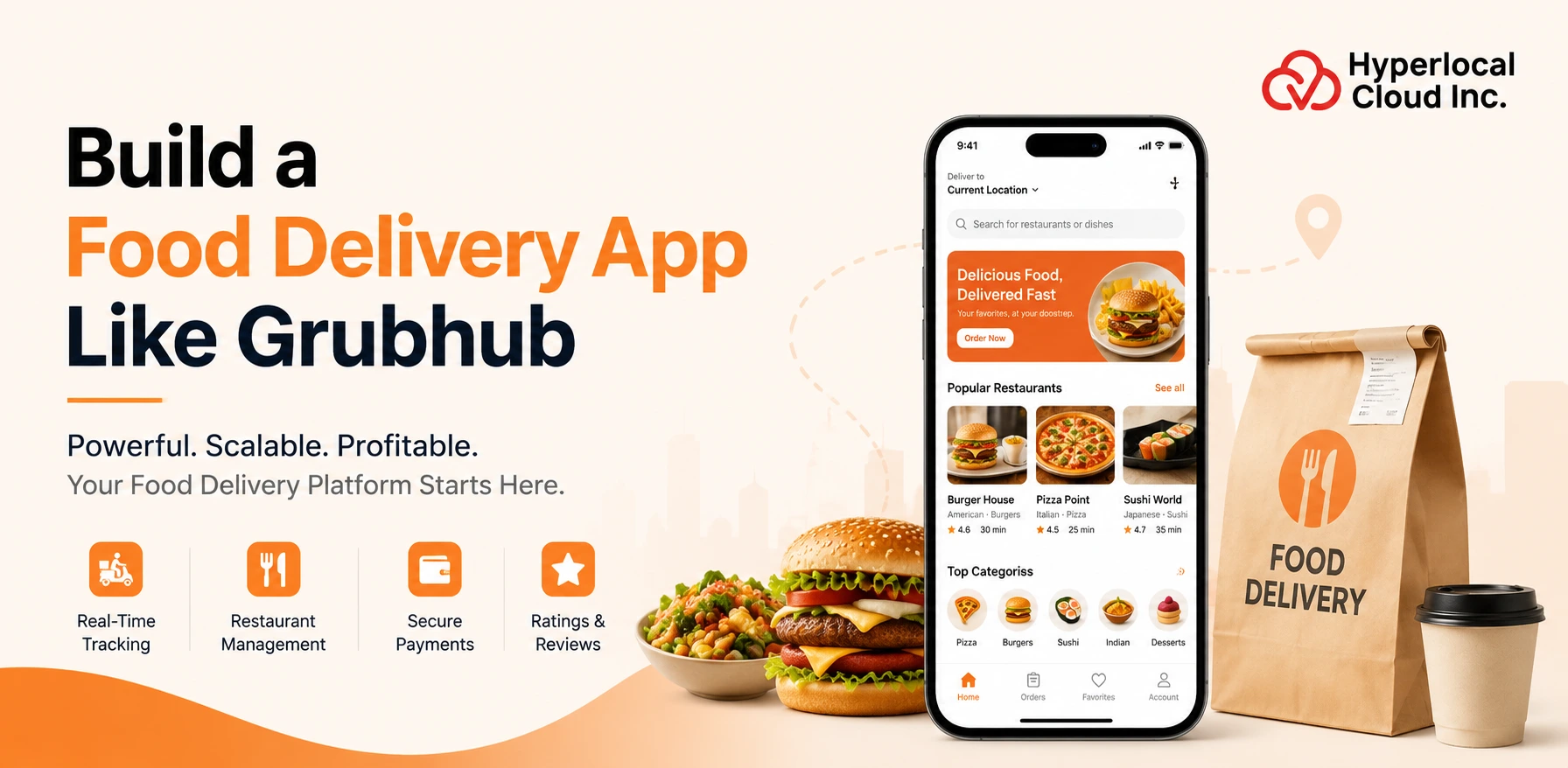
Food delivery applications are becoming an essential part of an individual’s life, like the way they discover, order, and enjoy meals. This basically means that instead of relying on physical dine-outs, users can digitally browse menus, select items, and place orders to get a quick delivery at their doorsteps. With this approach, the food industry has undergone a major transformation.
Grubhub is one of the well-known food delivery platforms in the United States, established in Chicago in 2004. Grubhub says its platform serves more than 4,000 U.S. cities and handles more than 715,000 orders each day. Global research suggests that the food delivery market was valued at $380.4 billion in 2024, which is now projected to grow to around $428.2 billion in 2026 and is expected to reach $618.4 billion by 2030, at a CAGR of 9.0% from 2025-2030.
Thus, businesses that are looking to give a fresh start to their business with an app similar to Grubhub must know its complete development process with all the required features and functionalities. To know all these essential aspects for the same, just review the entire blog.
What Is the Grubhub App?
The Grubhub app is a mobile food ordering and delivery application that allows customers to find restaurants, browse menus, order meals, and arrange delivery or pickup. It works as a digital marketplace where customers can view different food options without having to visit or contact each restaurant separately.
Get a Clear Roadmap for Developing Your Successful Food-delivery Platform
How Does A Grubhub-Like App Work?
A Grubhub-like app connects customers, restaurants, and delivery partners through a unified platform, streamlining ordering, payment, tracking, and delivery management.
1. Customer Opens the App and Finds a Restaurant
The first step is to discover a place to eat. Customers can create an account and enter their location. Depending on their location, the app can show nearby restaurants.
2. Customer Selects Food and Places an Order
After choosing a place to eat, users can open their profile and check important details, including menus, food items, costs, points, reviews, estimated delivery times, and delivery fees.
3. Restaurant Receives and Prepares the Order
Once a booking is placed, the restaurant receives the notification via its restaurant app or portal. The restaurant group can evaluate the order and accept or deny the delivery primarily based on the ability to assemble the requested items.
4. Delivery Partner Picks Up and Delivers the Order
After the restaurant accepts the order, the platform can assign it to the appropriate delivery partner. The carrier receives information about restaurant locations, pickup locations, orders, and expected shipment information.
5. Customer Receives the Order and Shares Feedback
Once the delivery partner reaches the customer, the order is handed over and marked as delivered in the app.
Essential Features of a Food Delivery App Like Grubhub
A Grubhub-like food delivery platform normally needs different panels for customers, restaurants, delivery partners, and administrators. Each panel should have features designed around its users’ needs.
Customer App
1. Account & Profile
Allows customers to create an account and manage their personal details, saved addresses, contact information, and preferences.
2. Restaurant Discovery
Helps customers search and discover restaurants using location, cuisine, food category, ratings, delivery time, price, and other filters.
3. Restaurant Details
Shows the restaurant’s menu, food items, prices, images, ratings, reviews, offers, delivery charges, and estimated delivery time.
4. Ordering
Allows customers to select food items, customize orders, add items to the cart, provide instructions, and confirm their order.
5. Payments
Lets customers pay for their orders using supported payment methods while viewing the complete price breakdown before checkout.
6. Order Tracking
Allows customers to follow their order status from restaurant confirmation and food preparation to pickup and final delivery.
7. Reviews & Ratings
Gives customers the option to rate restaurants, food, and delivery services and share their experience after an order.
8. Customer Support
Provides customers with access to help for order issues, payment problems, refunds, missing items, and other concerns.
Restaurant App/Portal
1. Restaurant Registration
Allows restaurant owners to register their business and submit the basic information needed to start using the platform.
2. Profile Management
Helps restaurants manage their business name, address, contact details, operating hours, images, and other profile information.
3. Menu Management
Allows restaurant staff to add, edit, remove, organize, and update food items and menu categories.
4. Item Availability
Lets restaurants mark food items as available or unavailable based on their current stock and kitchen capacity.
5. Pricing Management
Allows restaurants to update food prices, add-ons, item variations, and other pricing details when needed.
6. Order Management
Gives restaurants a central place to view new, active, completed, cancelled, and past orders.
7. Order Acceptance/Rejection
Allows restaurants to accept orders they can prepare or reject them when they cannot fulfill an order.
8. Preparation-Time Updates
Lets restaurants provide or update the estimated time required to prepare an order.
9. Promotions
Allows restaurants to create or participate in discounts, special offers, meal deals, and other promotional campaigns.
10. Sales Analytics
Helps restaurant owners understand order volume, popular items, sales trends, and overall restaurant performance.
11. Customer Reviews
Allows restaurants to view customer feedback and understand what customers like or dislike about their food and service.
12. Earnings/Revenue Reports
Provides details about restaurant earnings, order revenue, commissions, discounts, deductions, and payouts.
13. Restaurant Notifications
Sends alerts about new orders, order changes, payments, promotions, customer feedback, and important platform updates.
Delivery Partner App
1. Registration/Onboarding
Allows delivery partners to create an account and complete the basic onboarding process before accepting deliveries.
2. Identity/Document Verification
Allows the platform to collect and verify required identity, vehicle, and other delivery-related documents.
3. Availability Toggle
Lets delivery partners switch between available and unavailable status based on when they want to receive delivery requests.
4. Order Requests
Shows nearby delivery opportunities with important details such as pickup location, delivery location, and estimated earnings.
5. Accept/Reject Delivery
Allows delivery partners to accept suitable delivery requests or reject requests they cannot complete.
6. Pickup Navigation
Provides navigation support to help delivery partners reach the restaurant and collect the customer’s order.
7. Customer Navigation
Guides delivery partners from the restaurant to the customer’s delivery location.
8. Delivery Status Updates
Allows delivery partners to update order progress, such as arriving at the restaurant, order picked up, and order delivered.
9. Earnings Dashboard
Shows delivery earnings, completed orders, bonuses, deductions, and other income-related information.
10. Incentives
Displays available bonuses, peak-hour rewards, delivery targets, and other incentive programs for delivery partners.
11. Delivery History
Allows delivery partners to view their previous deliveries, order details, completed trips, and earnings history.
12. Ratings
Allows delivery partners to view ratings and feedback related to their delivery performance.
Admin Panel
1. User Management
Allows administrators to manage customer accounts, review account details, and handle account-related issues.
2. Restaurant Management
Gives admins control over restaurant registrations, profiles, menus, operating status, and restaurant-related activities.
3. Driver Management
Allows administrators to manage delivery partner accounts, verification status, availability, performance, and other driver information.
4. Order Management
Provides a complete view of orders so admins can monitor order progress, cancellations, delays, and delivery issues.
5. Payment Management
Helps administrators monitor customer payments, refunds, failed transactions, payouts, and other payment activities.
6. Commission Management
Allows the platform owner to set and manage commission rules for restaurants and other platform partners.
7. Promotions
Gives admins tools to create, manage, schedule, and monitor platform-wide promotional campaigns.
8. Coupon Management
Allows administrators to create coupons, set usage rules, define validity periods, and monitor coupon performance.
9. Content Management
Helps admins manage banners, categories, promotional content, FAQs, announcements, and other information displayed in the app.
10. Dispute Resolution
Allows admins to review complaints and disputes between customers, restaurants, and delivery partners and take appropriate action.
11. Customer Support
Gives the support team tools to handle customer questions, order problems, refunds, complaints, and other service requests.
12. Analytics and Reports
Provides business reports covering orders, revenue, customers, restaurants, delivery partners, commissions, promotions, and overall platform performance.
Estimate Your App Development Costs and Plan Your Investment Wisely
Discover the Advanced Functionalities in an App Similar to Grubhub
Advanced functionalities such as AI-powered recommendations, real-time tracking, personalized offers, smart search, and analytics can enhance engagement and improve overall operational efficiency.
1. AI-Powered Restaurant Recommendations
AI-powered restaurant recommendations can help customers find insights that make their devices and ordering habits healthier. The tool can look up information that includes past bookings, favorite meals, restaurants, ratings, location, and booking time.
2. Personalized Food Recommendations
Restaurant recommenders take it an extra step by recommending unique dishes for each user. The app can use past bookings, saved favorites, search reports, ratings, and various user interests to understand restaurant options.
3. Predictive Delivery-Time Estimates
Predictive delivery time estimates can give customers more accurate reports on when their food is likely to arrive. Instead of just displaying scheduled delivery times, the system can consider factors such as restaurant location, training times, distance, traffic, delivery partner availability, and past delivery records.
4. AI Customer Support/Chatbots
AI-powered customer service can help answer common questions without the need for a helpful agent for every request. Customers can use the chatbot to check order status, delivery delays, refunds, cancellations, invoices, and various general issues.
5. Voice-Based Ordering
With voice-based ordering, customers can search for food and order using nearby voice commands. Instead of typing, the customer wants to say they want a certain look of food or ask the app to find a restaurant nearby.
6. Scheduled Delivery
With scheduled shipping, customers can choose a future shipping time instead of ordering expedited shipping. This can be helpful for office meals, relative group gatherings, parties, meetings, and intentional eating.
7. Multi-Order Functionality
Multi-order functionality allows customers to place more than one order or order from multiple food outlets, while the platform helps with this release. This can be useful when one type of human on set needs food from one type of restaurant.
8. Route Optimization
Route optimization helps delivery partners find better routes between restaurants and customers. The system may consider street distance, position of visitors on site, delivery point, delivery times, and other factors when informing about the route.
9. Demand Forecasting
Demand forecasting helps the platform anticipate how many orders it can receive at a certain level in a certain period of time. Beyond the tool, you can view booking records, holidays, weekends, weather, opportunities, nearby developments, and various profitable reports.
How to Build a Food Delivery App Like Grubhub
The following steps can help businesses move from an initial idea to a working food delivery platform. Businesses can review these steps to build a multi-vendor food delivery app.
1. Define the Business Model
The first step is to determine how the food delivery commercial campaign will make money. The business model helps guide decisions about the program, pricing, sharing, marketing, and operations. Additionally, you’ll need to decide what market you’re going to serve. For example, the platform may focus on a major city, a specific conservatory, nearby restaurants, top-tier restaurants, or a selected type of food.
2. Conduct Market & Competitor Research
Look at the current food delivery market before building the app. Research allows you to identify what customers are already using, what restaurants want, and where the current structure may have problems. Explore native food delivery apps and local competitors. Check out their ordering process, restaurant list, delivery experience, pricing, discounts, customer support, and overall app performance.
3. Choose the Food Delivery App Type
There are different types of food delivery apps, so you need to choose the model that fits your business goals. You can create a marketplace where multiple restaurants list their food and customers order through a single platform. You can even create a platform for a restaurant or chain of restaurants.
4. Define the MVP
An MVP is the first working version of an application with the intermediate capabilities needed to perform a business function. The goal of an MVP is not to cover every viable feature. It’s about letting go of the provider, getting real feedback from the user, and figuring out what works.
5. Design UI/UX
The next step is to lay out the user interface and let the user dive in. The app should be simple enough that customers can search for food, place orders, and track delivery status without hassle. Start by helping develop a personal flow for each user type.
6. Develop the Platform
After the design is approved, the development can begin. A food delivery platform typically requires multiple connected packages and systems instead of an accessible mobile application. The surface unites these distinctive elements. However, the application can be developed from scratch or directly with the utilization of a white label solution.
7. Test the Application
Testing is an important part of food delivery app development because many different components appear at the same time. The development team will test all related services to find bugs, glitches, and errors.
8. Launch
Once the app is tested, the platform can be released. Before launching, make sure you have enough restaurants available. Customers should have affordable and varied food options when using the app for the first time.
9. Maintain & Scale
Launching the app is not the final step. A food delivery platform requires regular upgrades, monitoring, and improvements. As the platform grows, new dining locations and delivery partners can be added. Service space can also be improved in new locations when existing operations are strengthened.
Recommended Technology Stack To Build An On-Demand Food Delivery App Like Grubhub
The following are essential tech stacks that are reliable and used by experienced on-demand app development companies to develop food delivery apps.
| Category | Tech Stack |
| Frontend Development | Flutter or React Native, React.js, Next.js |
| Backend Development | Node.js, Python, Java, or PHP |
| Database | PostgreSQL and MySQL |
| Cloud Infrastructure | Amazon Web Services, Google Cloud, or Microsoft Azure |
| Maps and Location Services | Google Maps Platform, Mapbox |
| Payment Integration | Stripe, PayPal, Razorpay |
| Push Notifications | Firebase Cloud Messaging |
| Real-Time Communication | WebSockets |
Factors That Make the Food Delivery Apps Future Ready
Here we have mentioned numerous factors that are enough to make the food delivery apps like UberEats or Grubhub stand out in the future. To learn in detail, go through the information.
1. Generative AI and Conversational Ordering
Generative AI can make food ordering more natural and interactive. Instead of searching through many categories and menus, customers may be able to describe what they want in a simple conversation.
2. Autonomous Delivery Technologies
Autonomous delivery technology aims to reduce the need for human involvement in certain parts of the delivery process.
3. Smarter Dispatching
Smart dispatching can help food delivery platforms decide which delivery partner should handle a particular order. The system can then select a delivery partner and delivery plan that is better suited to the situation.
4. Predictive Demand Forecasting
Predictive demand forecasting can help food delivery companies understand where and when more orders are likely to happen. Better demand forecasting can improve the entire delivery process and help reduce delays during busy periods.
5. Drone/robot Delivery
Drones and delivery robots are another area that could change food delivery in the future. These systems could potentially reduce delivery time and operating costs for certain types of orders. They may also reduce the number of traditional vehicles needed for some deliveries.
6. Sustainable Delivery
Sustainability is becoming an important part of the food delivery industry. As the number of deliveries increases, businesses are looking for ways to reduce waste, fuel use, and environmental impact.
Challenges of Building a Grubhub-Like App
Building a Grubhub-like app involves challenges such as managing multiple user roles, ensuring real-time synchronization, integrating secure payments, handling scalability, and maintaining reliable delivery operations.
1. High Customer Acquisition Costs
Getting customers to download and use a new grocery delivery app can be tricky. People often already have familiar apps they can use to order meals. Starting in a small market can also help manage buyer acquisition costs. The business can build a solid base of patrons in one area before expanding to new locations.
2. Restaurant Onboarding
A food delivery platform wants to have enough restaurants to give customers a good selection of food. But it can be difficult to convince restaurants to sign up for the new platform. So the onboarding process should be easy and clean. Restaurants should be able to provide their business information with certain levels of verification and completion without unnecessary issues.
3. Driver Supply
A food delivery platform wants to have enough delivery partners to process customer orders. If there are too few drivers in a particular area, customers may also face long delivery delays, or restaurants may also have to wait for delivery. The business additionally wants to provide appropriate incentives, backup driving options, transparent revenue facts, and easy onboarding.
4. Delivery Delays
Delayed delivery is seen for many reasons. It may also take longer than expected for a restaurant to put together a meal; the shipping company may encounter delays in traffic; or it may be difficult to find a customer’s address because the platform must provide accurate shipping estimates and keep customers informed when an order is not on time.
5. Peak-Hour Demand
The demand for food delivery is not always the same throughout the day. Lunch hours, dinner hours, weekends, holidays, and special activities can result in unexpected spikes in orders. The platform will leverage demand forecasting, intelligent shipping, restaurant space capacity data, and delivery collaborative measures to address these tedious gaps.
6. Order Cancellations
Order cancellation can occur within specific areas of shipping systems. The customer can cancel because the order is taking too long. The forum shall, in practice, define cancellation rules. Customers should know that they can cancel their order and whether or not they will receive a full or partial refund.
7. Payment Failures
Payment problems can disrupt the ordering process and cause frustration for customers. The platform should provide some convenient payment options so customers have options if a process doesn’t work.
8. Customer Support
Customer guidelines are important primarily in food delivery because problems can arise even when the generation is operating efficiently. The platform should provide easy ways for customers to get help. This includes in-app chats, quizzes, automated help, email assistance, or human assistance.
How Much Does It Cost to Build an App Like Grubhub?
The development cost for a food delivery app like Grubhub starts at $8,000, which can be increased based on factors like the complexity of the application, size of the team, location of the team, overall timeline, and advanced features. To know all this precise information, businesses are required to approach an experienced food delivery app development company so that they can get to know the exact cost breakdown.
How Does a Food Delivery App Like Grubhub Make Money?
Here are some of the main ways a food delivery app like Grubhub can generate revenue. Just have a look:
1. Restaurant Commission
Restaurant commission can be one of the main sources of revenue for a food delivery marketplace. Under this model, the platform takes a percentage of the value of orders that customers place through the app.
2. Delivery Fees
Delivery fees are another common revenue source for food delivery platforms. Customers may pay a fee when they choose to have an order delivered.
3. Service Fees
A food delivery platform may also charge customers a service fee for using the platform and its services.
4. Advertising & Sponsored Listings
Restaurants often want more visibility on food delivery platforms. Advertising and sponsored listings allow restaurants to pay for additional exposure to potential customers.
5. Subscription/Membership
A food delivery app can introduce a subscription or membership plan for customers who order frequently. Customers can pay a recurring monthly or yearly fee in exchange for selected benefits.
6. Convenience/Other Fees
A food delivery platform can generate additional revenue through different types of convenience or special service fees. These fees can depend on the services offered by the platform and the local market.
7. Restaurant SaaS/Technology Services
A food delivery platform can also make money by providing restaurants with technology services beyond basic marketplace listings.
Partner With Experienced Developers to Bring Your Food-delivery Vision Alive
Conclusion
Building an app like Grubhub requires more than replicating its visible features. A successful food delivery platform needs a seamless user experience and scalable architecture. By combining essential functionalities with advanced features and addressing development challenges strategically, businesses can create a competitive solution that meets evolving customer and restaurant expectations. With the right technology partner and a well-defined development roadmap, your Grubhub-like app can become a scalable and profitable food delivery platform.

Patt Cummins is an experienced content writer with over 10 years of experience creating clear and engaging content for technology-focused industries. He specializes in simplifying complex technical topics into easy-to-understand stories that educate readers, support brand communication, and help businesses effectively share their solutions.

Need Help With
Development?